Module 2: Exploring word recognition
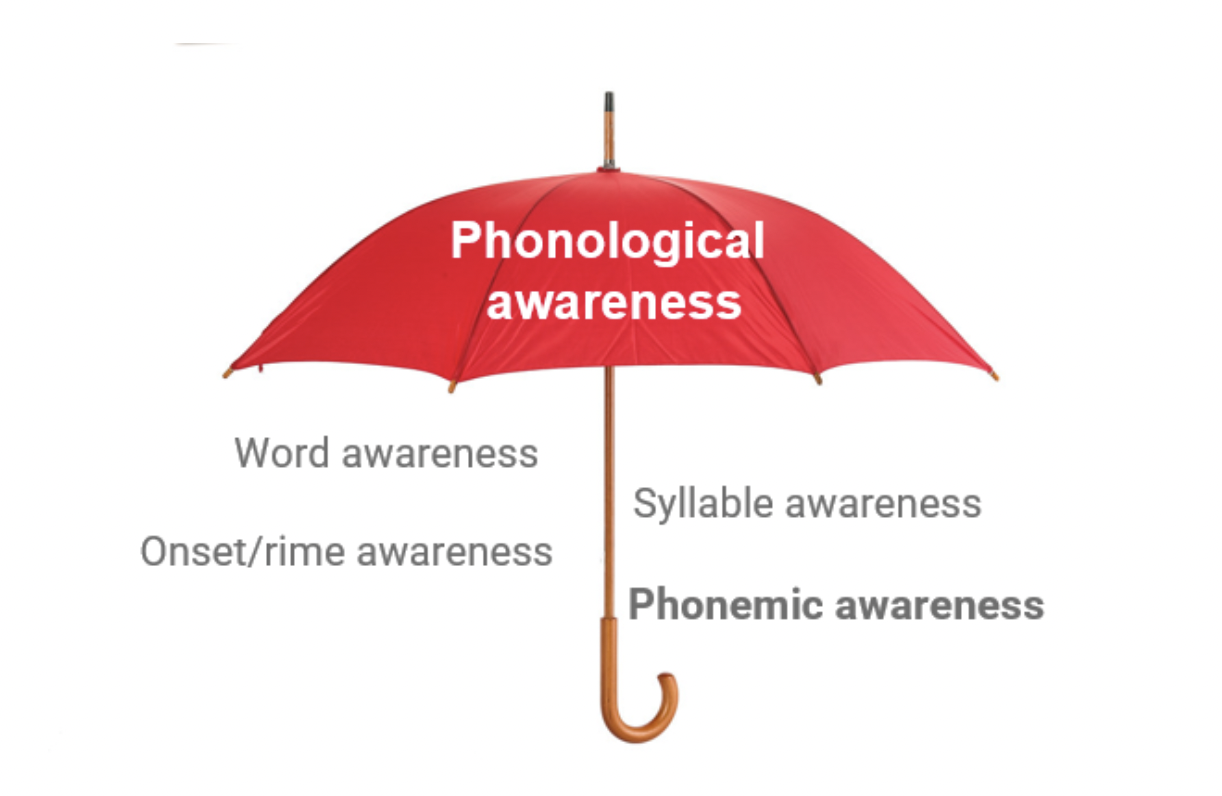
Phonological Awareness
Now, let’s see some examples of phonological awareness.
| Keyboard Shortcut | Action |
|---|---|
| Space | Pause/Play video playback |
| Enter | Pause/Play video playback |
| m | Mute/Unmute video volume |
| Up and Down arrows | Increase and decrease volume by 10% |
| Right and Left arrows | Seek forward or backward by 5 seconds |
| 0-9 | Fast seek to x% of the video. |
| f | Enter or exit fullscreen. (Note: To exit fullscreen in flash press the Esc key. |
| c | Press c to toggle captions on or off |
Watch this excerpt from a previously recorded webinar to see these concepts explained and then demonstrated using a video example from Let’s Learn.
Recap
After watching, reflect and take notes on the questions below:
- How did this lesson support the development of phonemic awareness?
- Did the teacher use any teaching moves you felt were particularly effective for teaching phonemic awareness?
